
Process
From Figma to Live Shopify Store: Our Exact Process for High-Converting Themes
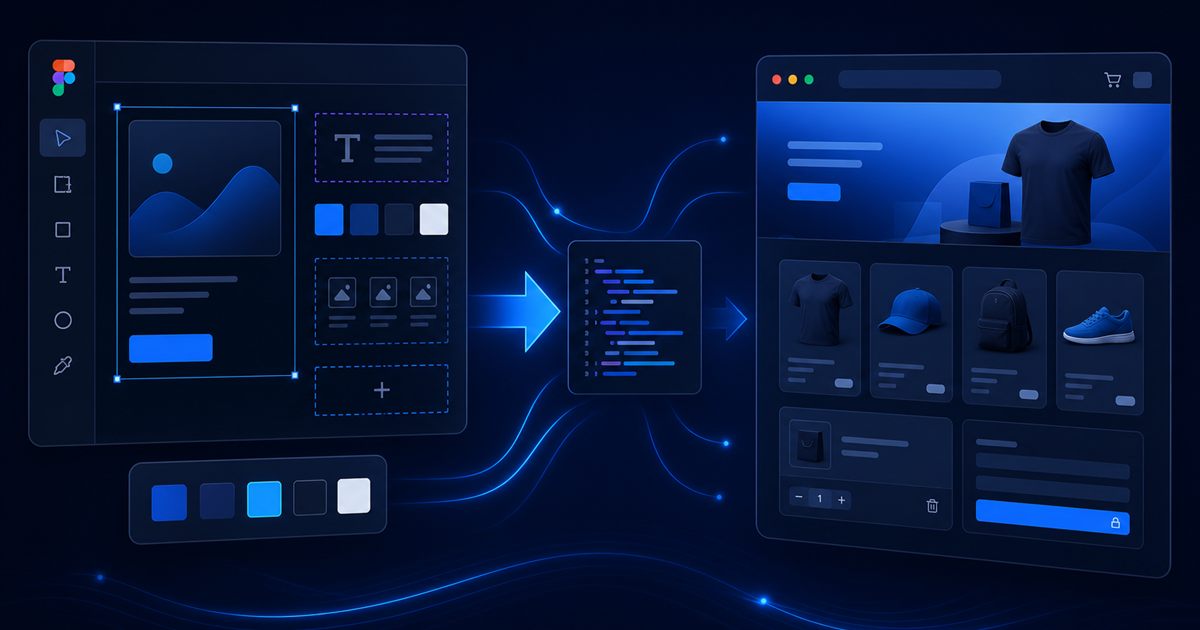
You have a polished Figma design. You want a Shopify store that matches it pixel-for-pixel, loads fast on mobile, and converts — not a generic theme with compromises. The gap between design file and live storefront is where most projects stall: unclear handoffs, bloated builds, and launches that look right on desktop but fail on checkout.
At BinarySolz, we have shipped custom Shopify Liquid themes from Figma for DTC brands, B2B sellers, and growing e-commerce teams since 2014. This is our exact process — from discovery through launch — so you know what to expect and how to prepare.
Already comparing platforms? Read our WordPress vs Shopify vs Webflow guide. Focused on conversion after launch? See how custom Liquid themes improve conversion rates.
Why Figma-to-Shopify needs a defined process
Figma is a design tool. Shopify is a commerce platform with Liquid templates, section schemas, app ecosystems, and checkout rules. Without a process, teams hit predictable problems:
- Designs that ignore Shopify section constraints or cart/checkout limitations
- Developers rebuilding layouts blindly without component specs
- Heavy themes that hurt Core Web Vitals and mobile UX
- Endless revision rounds because acceptance criteria were never defined
A structured Figma-to-Shopify workflow saves time, reduces rework, and produces stores that are maintainable after handoff.
Overview: our 6-phase process
| Phase | Focus | Typical duration |
|---|---|---|
| 1. Discovery | Goals, catalog, integrations, success metrics | 3–5 days |
| 2. Design audit & Figma prep | Component library, responsive frames, Shopify mapping | 3–7 days |
| 3. Theme architecture | Templates, sections, settings schema, app plan | 3–5 days |
| 4. Liquid development | Build, data binding, mobile-first CSS | 2–4 weeks |
| 5. QA & performance | Cross-browser, checkout, speed, accessibility | 5–10 days |
| 6. Launch & handoff | Staging, redirects, training, post-launch support | 2–5 days |
Total timeline for a focused custom theme: typically 3–6 weeks, depending on page count, design complexity, and content readiness.
Phase 1: Discovery — before anyone opens Figma
We align on business outcomes, not just visuals.
- Catalog structure — product count, variants, collections, filters, bundles
- Customer journey — landing pages, PDP flow, cart, checkout, post-purchase
- Integrations — reviews, subscriptions, ERP, email, analytics, pixels
- Content readiness — copy, photography, legal pages
- Success metrics — conversion rate, AOV, mobile share, target launch date
Discovery prevents building a beautiful store that cannot support your actual product model.
Phase 2: Figma audit and Shopify-ready design prep
Not every Figma file is development-ready. We review or help refine:
Component and style system
- Color tokens, typography scale, spacing grid (8px or 4px base)
- Reusable components: buttons, inputs, cards, badges, modals
- Icon set and image aspect ratios documented
Responsive frames
- Mobile-first breakpoints (375px, 768px, 1280px minimum)
- Sticky add-to-cart, mobile nav, and filter drawer states
- Collection grid behavior at each breakpoint
Shopify mapping
- Which frames become sections vs full templates
- Merchant-editable areas vs locked design elements
- JSON schema plan for theme settings (colors, fonts, section toggles)
Designers who have never built on Shopify often create layouts that fight the platform. Early mapping avoids expensive surprises in development.
Phase 3: Theme architecture and technical spec
Before writing Liquid, we document:
- Template list — index, product, collection, cart, blog, article, page, search, 404
- Section inventory — hero, featured collection, testimonials, FAQ, newsletter, etc.
- App strategy — which features are native Liquid vs third-party apps
- Performance budget — max JS weight, image rules, font loading plan
- Git workflow — branch strategy, Shopify CLI theme push, staging theme ID
This spec is the contract between design and development. It also helps you estimate ongoing maintenance.
Phase 4: Liquid development — design to code
We build with Shopify Online Store 2.0 patterns: JSON templates, section groups, and schema-driven settings.
Development principles we follow
- Mobile-first CSS — most Shopify traffic is mobile; we design for thumbs first
- Semantic HTML — accessibility and SEO start in the markup
- Minimal JavaScript — only where Liquid and CSS cannot solve the interaction
- Conditional asset loading — section scripts load only when the section is used
- Shopify objects first — product, collection, cart, and metafields drive dynamic content
Key templates we prioritize
- Product page (PDP) — variants, media gallery, trust blocks, sticky ATC
- Collection page — filters, sort, grid density, pagination
- Homepage — modular sections the merchant can reorder
- Cart — upsells, shipping hints, discount clarity
Checkout customization is limited on standard Shopify plans — we set expectations early and optimize everything leading to checkout.
Phase 5: QA, performance, and conversion review
Before launch, we run structured QA — not a quick click-through.
Functional QA
- Variant selection across all product types
- Cart add/update/remove, discount codes, gift cards
- Collection filters and search results
- Forms, newsletter signup, contact flows
- Third-party app embed conflicts
Performance QA
- LCP, INP, CLS on mobile (PageSpeed Insights + real devices)
- Image lazy-loading rules — LCP image preloaded, below-fold deferred
- Font strategy — subset fonts, preload critical weights only
Cross-browser and device
- iOS Safari, Chrome Android, desktop Chrome/Firefox/Safari
- Tablet breakpoints and landscape orientation
Performance and conversion overlap. A fast PDP with clear variant UX beats a pretty slow one every time — principles we cover in our Shopify Liquid conversion guide.
Phase 6: Launch, handoff, and post-launch
Pre-launch checklist
- Staging theme reviewed and approved by client
- 301 redirects from old URLs if migrating
- Analytics, pixels, and Search Console verified
- Payment and shipping tested with real transaction (refunded)
- Legal pages, policies, and tax settings confirmed
Handoff deliverables
- Published theme with documentation
- Section usage guide for merchants (what each block does)
- Theme settings walkthrough (fonts, colors, global options)
- Optional: short Loom or written training for the client team
Post-launch (first 30 days)
- Monitor Core Web Vitals and conversion metrics
- Fix edge-case bugs from real traffic
- Iterate on PDP or collection UX based on data
What you need ready before we start
Projects move fastest when clients prepare:
- Final or near-final Figma with mobile and desktop frames
- Product data in Shopify (or CSV ready to import)
- Brand assets — logos (SVG), fonts (licensed), image library
- Copy for homepage, PDP microcopy, policies
- App list — subscriptions, reviews, bundles, etc.
- Point of contact for timely feedback (24–48 hour review windows)
Figma-to-Shopify vs other approaches
| Approach | Best when | Tradeoff |
|---|---|---|
| Premium Shopify theme + tweaks | Tight budget, standard catalog | Limited brand fidelity and CRO customization |
| Page builder app (e.g. Gem Pages) | Marketer-led updates, fast MVP | Performance and maintainability risks |
| Custom Figma → Liquid theme | Brand-led DTC, conversion focus, scale plans | Higher upfront investment, best long-term ROI |
Common mistakes to avoid
- Starting development on incomplete Figma — changes mid-build cost 2–3x
- Ignoring mobile frames — 70%+ of Shopify sessions are mobile
- App sprawl before launch — add apps deliberately, measure weight
- No staging theme — never develop directly on the live storefront
- Skipping redirect mapping on migrations — SEO traffic drops hurt for months
Investment ranges (custom agency work)
Transparent ranges help you budget:
- Focused custom theme (homepage, PDP, collection, cart, key pages): $3,000–$6,000+
- Full store with blog, landing templates, animations: $6,000–$12,000+
- Complex catalog + integrations + migrations: $10,000–$18,000+
Timeline and cost depend on design readiness, revision rounds, and integration scope — not just page count.
Next steps
Have Figma designs ready — or need help refining them for Shopify? We will map your project, recommend the right scope, and deliver a store built for conversion and performance.
Explore our Shopify development services or book a free strategy call.
Frequently Asked Questions
Can you build a Shopify store directly from Figma designs?
Yes. We translate Figma frames into custom Shopify Liquid themes with JSON templates and section schemas, matching your design system while keeping the store merchant-editable.
How long does a Figma to Shopify project take?
Most focused custom themes take 3–6 weeks from signed spec to launch. Complex catalogs, migrations, or heavy integrations can extend to 8–12 weeks.
Do I need a finished Figma file before development starts?
Ideally yes — at least mobile and desktop frames for key templates (homepage, product, collection, cart). Starting on incomplete designs causes costly rework mid-build.
What is the difference between a custom Liquid theme and a premium Shopify theme?
Premium themes are pre-built templates with limited customization. Custom Liquid themes are built from your Figma designs for exact brand fidelity, better performance control, and CRO-focused layouts.
Can you customize Shopify checkout from a Figma design?
Checkout customization is limited on standard Shopify plans. We optimize everything before checkout (PDP, cart, trust signals) and use Shopify Plus checkout extensibility when the plan allows.
Will my Shopify theme be fast on mobile?
We build mobile-first with performance budgets, optimized images, minimal JavaScript, and Core Web Vitals targets. Speed is part of our standard QA before launch.
What do I need to provide for a Figma to Shopify build?
Figma files (mobile + desktop), brand assets, product data or CSV, copy, app requirements, and a point of contact for timely feedback during review rounds.
Can BinarySolz handle a full Figma to Shopify store project?
Yes. We manage discovery, design audit, Liquid development, QA, launch, and merchant handoff. Contact us for a free strategy call and scoped proposal.
Continue reading

E-commerce
How Custom Shopify Liquid Themes Improve Conversion Rates (2026 Playbook)
Learn how custom Shopify Liquid themes improve conversion rate: faster Core Web Vitals, better mobile UX, cleaner checkout flows, and...
· 4 min read