
Performance
WordPress Speed Optimization Mastery: Core Web Vitals Guide for 2026
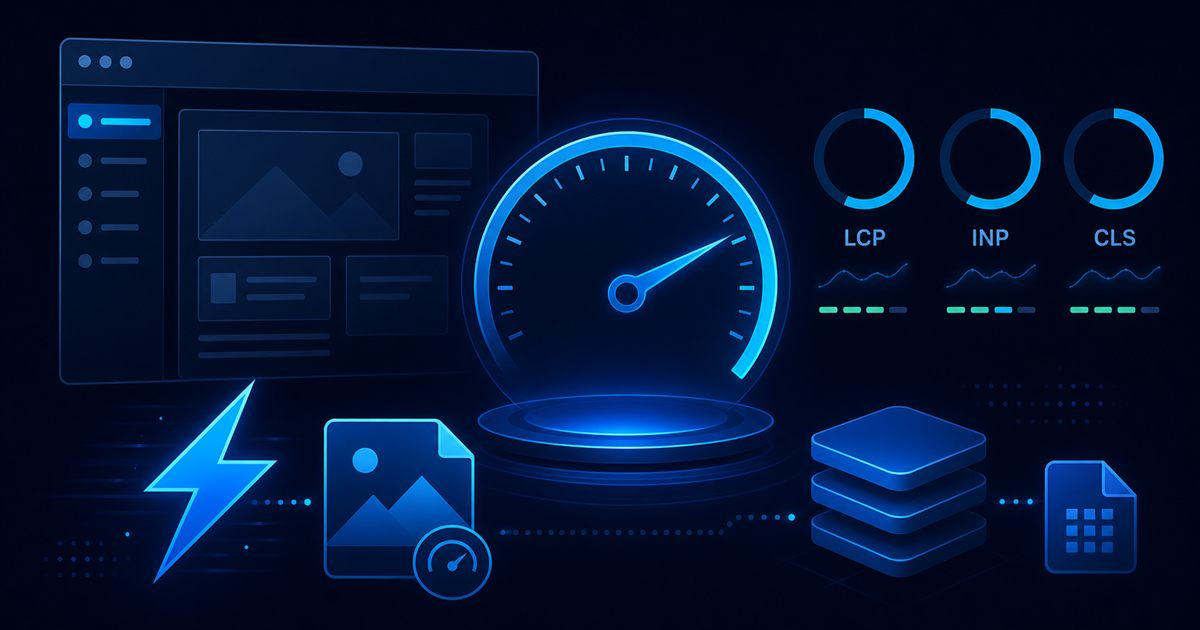
Slow WordPress sites do not just frustrate users — they lose rankings, conversions, and trust. In 2026, Core Web Vitals remain a practical benchmark for whether your site feels fast, stable, and responsive. The good news: WordPress can score excellently when built and maintained with discipline.
At BinarySolz, we optimize WordPress sites for clients who are tired of bloated themes, plugin conflicts, and “install another caching plugin” advice that never fixes the root cause. This guide is our actionable playbook for WordPress speed optimization focused on LCP, INP, and CLS.
New to platform decisions? Start with our WordPress vs Shopify vs Webflow comparison. Already committed to WordPress? Read on.
Core Web Vitals in 2026: what to target
Google’s experience signals measure real user perception, not vanity scores.
| Metric | What it measures | Good target |
|---|---|---|
| LCP (Largest Contentful Paint) | How fast the main content appears | < 2.5 seconds |
| INP (Interaction to Next Paint) | How responsive the page feels to taps and clicks | < 200 milliseconds |
| CLS (Cumulative Layout Shift) | How much the layout jumps while loading | < 0.1 |
Passing Core Web Vitals does not guarantee rankings — but failing them often correlates with poor UX, higher bounce, and lower conversion. Speed is part of brand credibility.
Why WordPress gets slow (the real causes)
WordPress itself is not inherently slow. These patterns are:
- Page builders and bloated themes — heavy CSS/JS on every page
- Plugin stacking — each plugin adds scripts, queries, and admin overhead
- Cheap hosting — shared resources, no object cache, slow TTFB
- Unoptimized images — oversized hero images destroy LCP
- Render-blocking third parties — chat widgets, trackers, review embeds
- No caching strategy — every request hits PHP and MySQL cold
- Database bloat — revisions, transients, and orphaned plugin tables
Fixing speed without diagnosing the bottleneck is guesswork. We always audit before we optimize.
Our WordPress speed optimization framework
We work in layers — foundation first, then front-end, then fine-tuning.
- Hosting and server — TTFB, PHP version, object cache, CDN
- Theme architecture — lean custom theme vs page builder debt
- Plugin audit — remove, replace, or custom-code alternatives
- Assets — images, fonts, CSS/JS delivery
- Database and cron — cleanup and query efficiency
- Monitoring — field data (CrUX) and lab tests (Lighthouse)
Layer 1: Hosting and server performance
You cannot cache your way out of bad hosting. Priorities:
- Managed WordPress hosting or quality VPS with tuned PHP (8.2+)
- Object cache (Redis or Memcached) — reduces database load dramatically
- OPcache enabled for PHP bytecode caching
- HTTP/2 or HTTP/3 and TLS at the edge
- CDN for static assets and full-page cache where appropriate
TTFB (Time to First Byte) under 600ms on mobile is a realistic target for optimized WordPress. If TTFB is 1.5s+, fix server before chasing front-end tricks.
Layer 2: Caching done right
Caching should be boring and reliable:
- Full-page cache for anonymous visitors (most marketing sites)
- Browser cache headers for static assets with long TTLs
- Object cache for expensive queries and transients
- Cache invalidation rules that do not purge everything on every post update
Avoid stacking three caching plugins. One well-configured layer beats five conflicting ones.
Layer 3: Fix LCP (Largest Contentful Paint)
LCP is usually your hero image, large heading block, or video poster. Fixes that work:
- Resize and compress images — serve WebP/AVIF with correct dimensions (not 4000px heroes)
- Preload the LCP image with
<link rel="preload" as="image">when it is above the fold - Priority hints —
fetchpriority="high"on the LCP image, lazy-load everything else - Eliminate render-blocking CSS — critical CSS inline, defer non-critical styles
- Reduce server delay — caching + object cache improve LCP as much as image tweaks
Layer 4: Fix INP (Interaction to Next Paint)
INP replaced FID as the responsiveness metric. WordPress sites struggle here when JavaScript blocks the main thread.
- Audit third-party scripts — defer or remove chat, heatmaps, and unused widgets
- Conditional script loading — do not enqueue slider JS site-wide if one page uses it
- Break up long tasks — split heavy JS, use requestIdleCallback where appropriate
- Limit page builder interactions on mobile — animations hurt INP
- Test on real mobile devices — lab scores lie; thumbs do not
Custom themes built with minimal JS outperform page builders here. See our guide on custom WordPress plugins with React for how we keep admin JS off the public site.
Layer 5: Fix CLS (Cumulative Layout Shift)
Layout shift feels broken even when the page loads “fast.” Common WordPress causes:
- Images without width and height attributes
- Web fonts loading late (FOUT/FOIT) — use
font-display: swapand preload critical fonts - Ads, embeds, or cookie banners injected without reserved space
- Dynamic content (related posts, cart widgets) pushing content down
Reserve space for anything that loads asynchronously. CLS fixes are often simple but easy to miss in QA.
Plugin audit: the highest-ROI speed fix
Most slow WordPress sites have too many plugins doing overlapping jobs. Our audit process:
- List every active plugin and what business function it serves
- Measure script weight each plugin adds (Query Monitor or browser DevTools)
- Remove unused plugins — deactivated plugins still clutter updates and sometimes load assets
- Replace heavy plugins with lightweight alternatives or custom code for single-purpose needs
- Never add a plugin to fix a problem another plugin caused
For business-critical workflows, custom plugins often outperform freemium stacks on both speed and reliability.
Custom theme vs page builder: performance impact
| Approach | Typical LCP | Typical INP | Maintainability |
|---|---|---|---|
| Lean custom theme | Excellent | Excellent | High with good documentation |
| Lightweight block theme | Good to excellent | Good | Good |
| Popular page builder | Variable — often poor on mobile | Often poor | Medium — vendor lock-in |
| Bloated multipurpose theme + 30 plugins | Poor | Poor | Low |
If you chose WordPress for flexibility, invest in a custom or lean theme — not a demo import with every widget enabled. Our Webflow vs WordPress guide explains when custom WordPress engineering pays off long-term.
Image optimization checklist
- Export heroes at display size, not camera resolution
- Use WebP or AVIF with JPEG fallback where needed
- Lazy-load below-the-fold images; never lazy-load LCP image
- Implement responsive
srcsetandsizesattributes - Compress with quality 75–85 — imperceptible loss, major byte savings
- Offload media to CDN if traffic is global
Database and background tasks
- Limit post revisions (e.g. cap at 5–10)
- Clean expired transients and orphaned tables from removed plugins
- Schedule heavy tasks via WP-Cron or real server cron — not on every page load
- Index custom tables if plugins add large datasets
How to measure (and what to ignore)
Use both lab and field data:
- Google Search Console — Core Web Vitals report (real Chrome users)
- PageSpeed Insights — lab + field when available
- WebPageTest — filmstrip and waterfall for debugging
- Chrome DevTools — Performance panel for INP and long tasks
Ignore single Lighthouse runs from your laptop on fiber as the only truth. Test mobile, throttled, on real devices.
Before and after: what we typically see
On client rebuilds (lean custom theme, plugin audit, Redis, CDN, image discipline):
- LCP: 4.5s → 1.8s on mobile
- INP: 350ms → 120ms after script cleanup
- CLS: 0.25 → 0.05 with dimension fixes and font strategy
- Page weight: 4MB → under 1MB on key landing pages
Results vary by starting point — sites on page builders with 40 plugins have more room to improve than already-lean builds.
Speed optimization vs a full rebuild
Sometimes optimization hits a ceiling. Rebuild when:
- Page builder markup cannot be simplified without breaking layouts
- Plugin dependencies are entangled across critical flows
- Theme is end-of-life or unmaintained
- Business is investing in 3+ years of growth and technical debt blocks features
A performance-focused rebuild often costs less than years of plugin subscriptions and lost conversion.
Next steps
Want a WordPress site that is fast by design — not patched with plugins? We audit, optimize, and rebuild for Core Web Vitals as part of our standard delivery.
Explore our speed optimization services or book a free performance audit call.
Frequently Asked Questions
What are Core Web Vitals for WordPress?
Core Web Vitals are Google's user experience metrics: LCP (loading), INP (responsiveness), and CLS (visual stability). They indicate whether your WordPress site feels fast and stable to real visitors.
Can WordPress pass Core Web Vitals in 2026?
Yes. Lean custom themes, quality hosting, object caching, image optimization, and disciplined plugin use routinely achieve good scores. Bloated page builders and plugin stacks are the usual blockers.
What is the fastest way to speed up WordPress?
Fix hosting and TTFB first, enable object and page caching, audit plugins, optimize the LCP image, and remove render-blocking scripts. Plugin-only fixes without server and theme work rarely last.
Do caching plugins alone fix WordPress speed?
Caching helps but does not fix oversized images, heavy JavaScript, slow TTFB, or database bloat. Use one well-configured cache layer as part of a broader optimization strategy.
How does LCP differ from overall page load time?
LCP measures when the largest visible content element renders — usually the hero image or main heading block. It focuses on perceived load speed, not total bytes downloaded.
What is a good LCP score for WordPress?
Aim for LCP under 2.5 seconds on mobile for most marketing and content sites. E-commerce and media-heavy sites may need extra image and CDN work to hit the same target.
Should I switch hosts to improve WordPress speed?
Often yes, if TTFB is consistently above 600–800ms on mobile. Managed WordPress hosting with Redis object cache is a common upgrade path before front-end tweaks.
Can BinarySolz optimize my WordPress site for Core Web Vitals?
Yes. We audit hosting, themes, plugins, and assets, then implement targeted fixes or performance-focused rebuilds. Contact us for a free strategy call and scoped proposal.
Continue reading

Performance
Migrating from Page Builders to a Custom WordPress Theme in 2026
Migrate from Elementor, Divi, or other page builders to a custom WordPress theme. Speed, SEO, cost, process, and when rebuild...
· 5 min read
Plugins
Why Premium Custom WordPress Plugins Outperform Free & Freemium Alternatives
Free vs premium WordPress plugins in 2026: security, performance, support, and when custom development beats freemium stacks — from the...
· 4 min read
Development
Building Custom WordPress Plugins with React: A Practical Guide for Developers
Learn how to build custom WordPress plugins with React — block editor integration, architecture patterns, tooling, and production tips from...
· 6 min read